App Store: Check Three Details
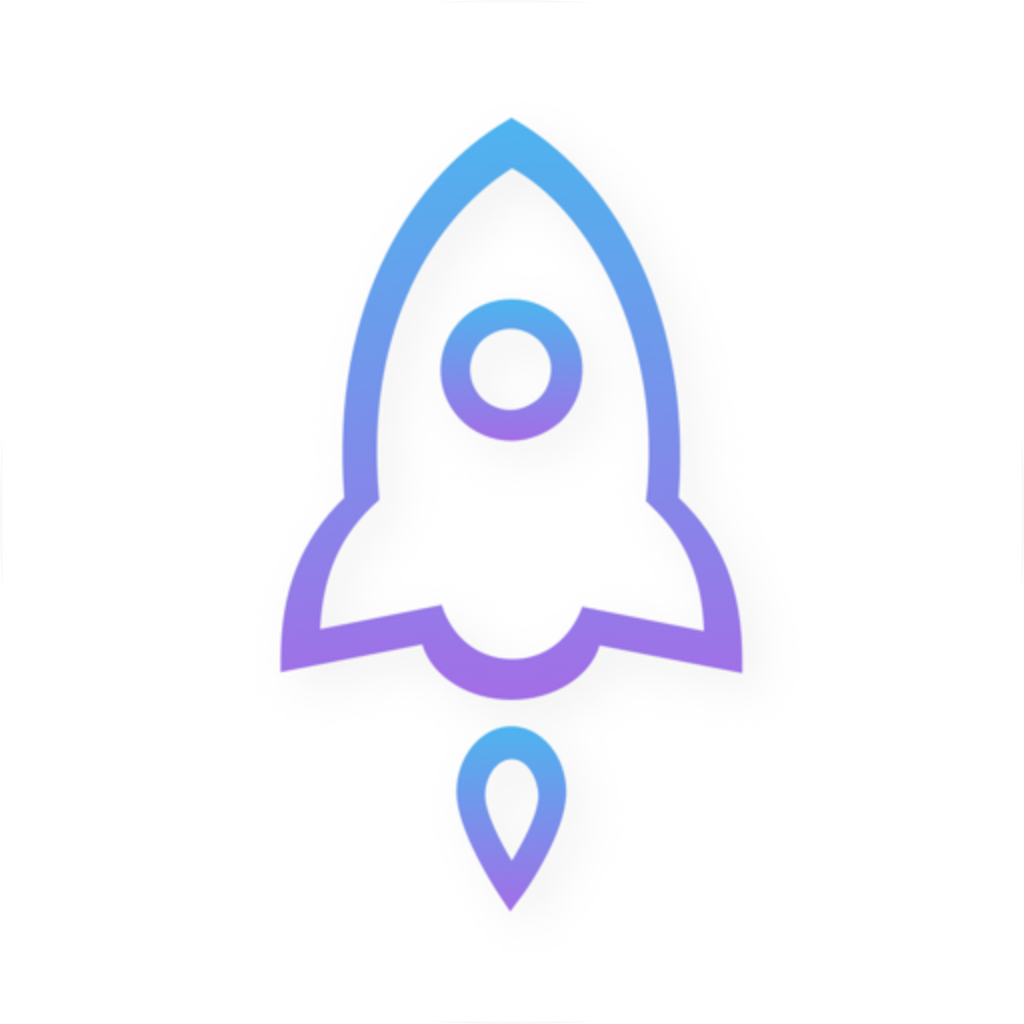
On the product page, check the developer name Shadow Launch Technology Limited, the official white-background rocket icon with a blue-purple outline, and app ID 932747118. Verify all three together; a match on only one detail is not enough. The app ID in the page link should also match.
A free App Store listing with the same name is an imitation, not the app described on this page. Pricing is as follows: iPhone and iPad cost $2.99 once on the App Store; Mac, Windows, Android, and Linux versions are free. The free price on other platforms does not apply to the iPhone / iPad App Store listing.
Other Platforms: Verify the Installer from This Site
For Mac, Windows, Android, and Linux, use the installers under /dl/shadowrocket/ linked from this page. Before opening a download, check that the platform, chip, or architecture is correct. Do not run an installer from an unknown source just because its filename looks similar.
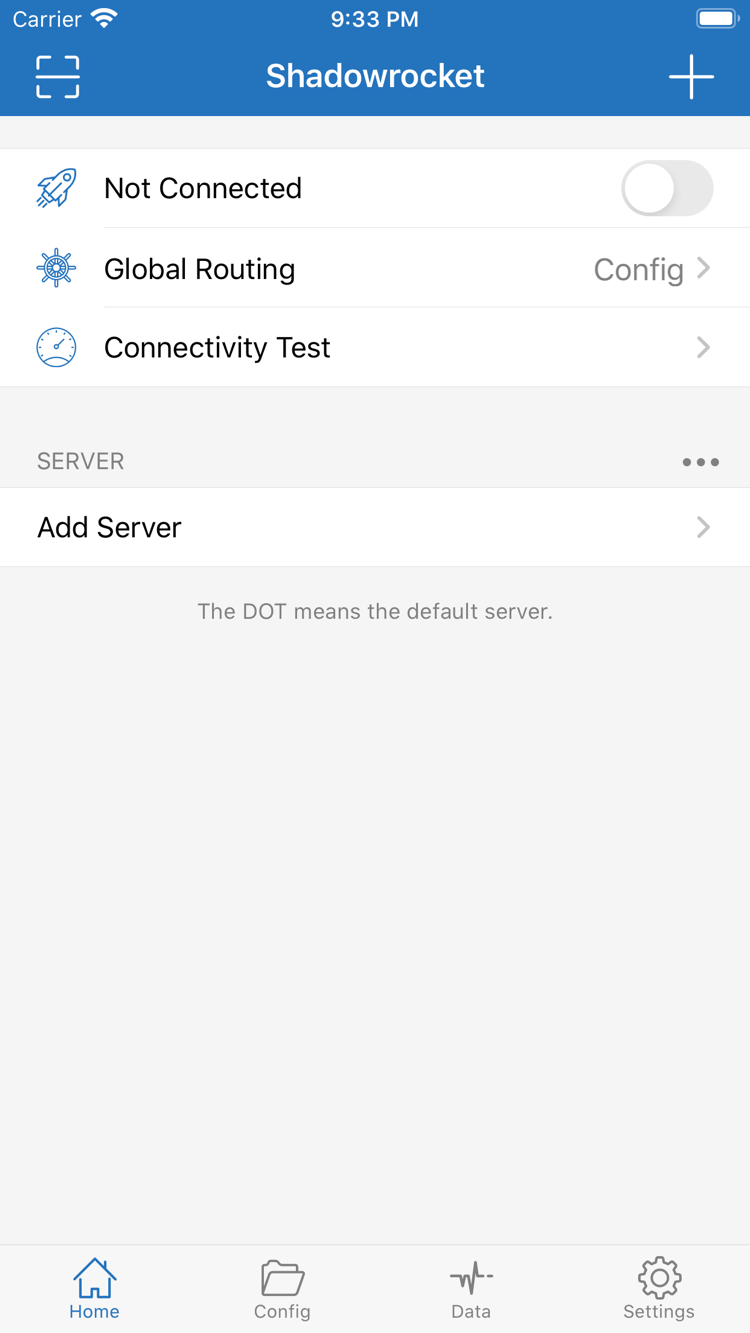
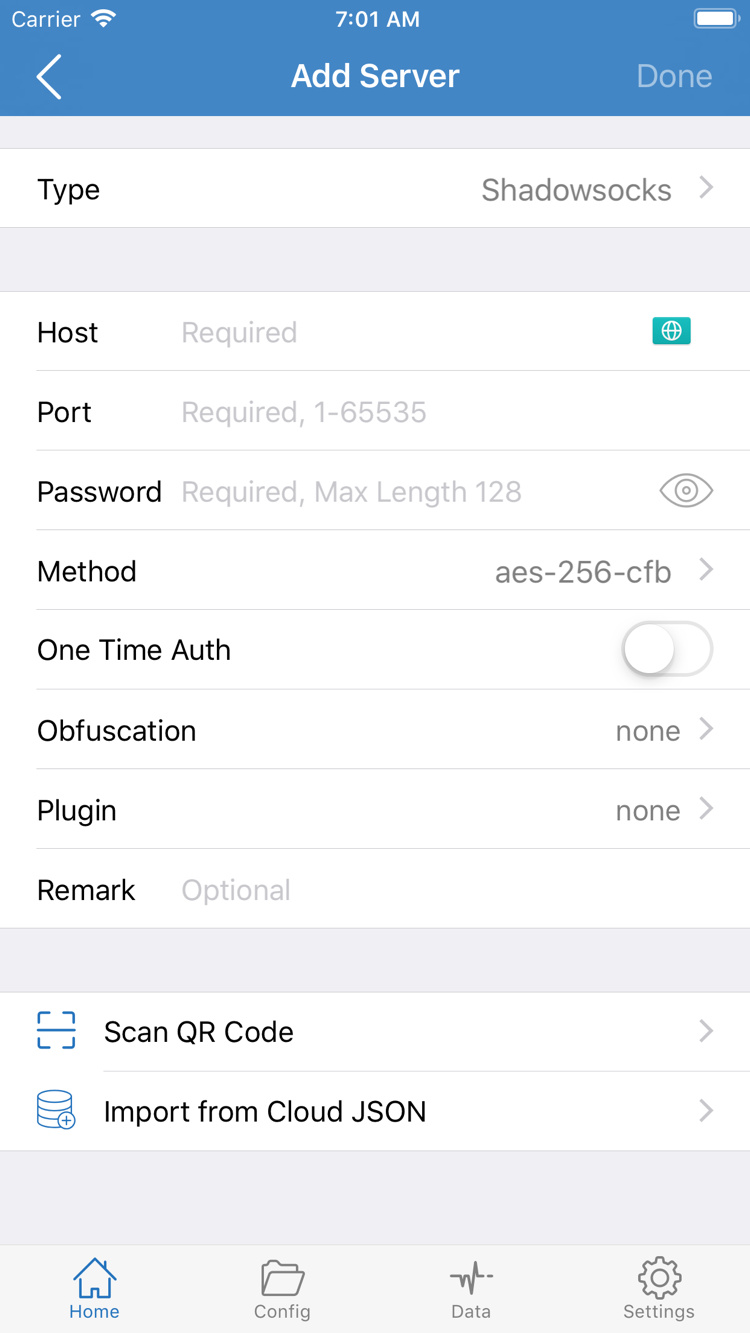
The official Home screenshot on the right shows Not Connected, Global Routing, Connectivity Test, and the SERVER group. The Add Server screenshot shows Type, Host, Port, Password, Method, Scan QR Code, and Import from Cloud JSON. These are interface details for identification; the settings shown in the screenshots are not automatically included after installation.
After verification and first launch, import your own subscription or server details. Do not share pages containing Passwords, keys, or subscription links publicly. When troubleshooting, hide sensitive fields and record only the error message and relevant setting names.